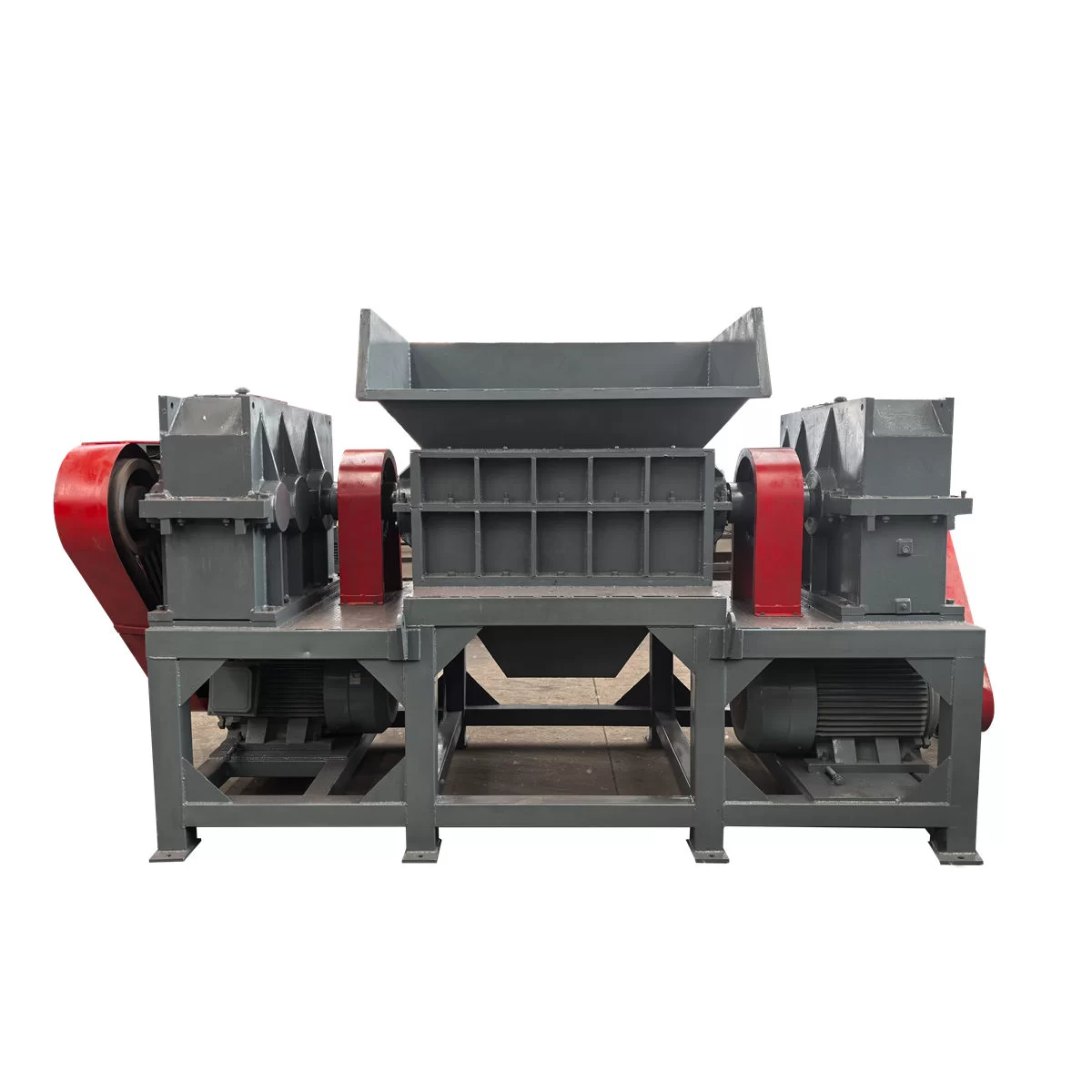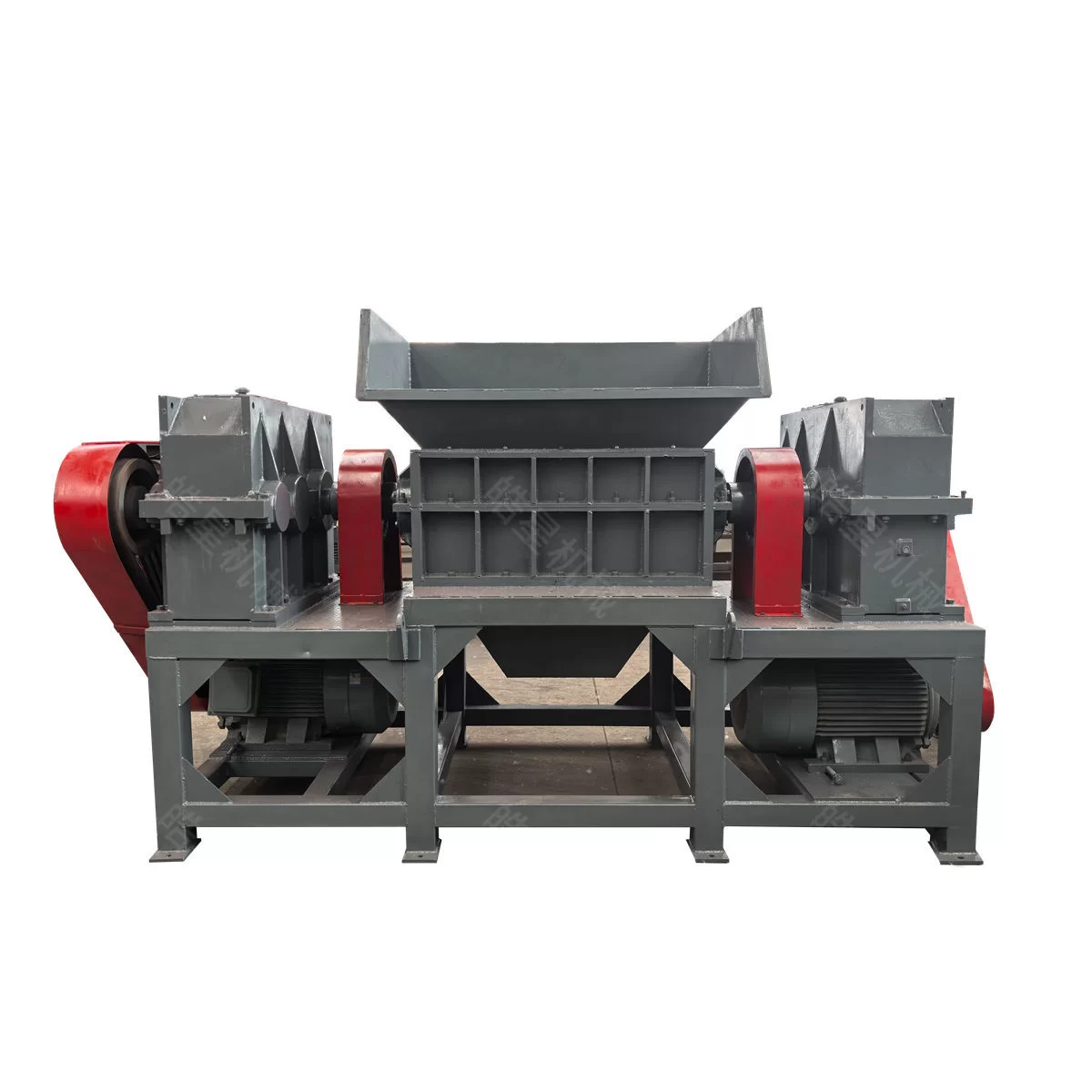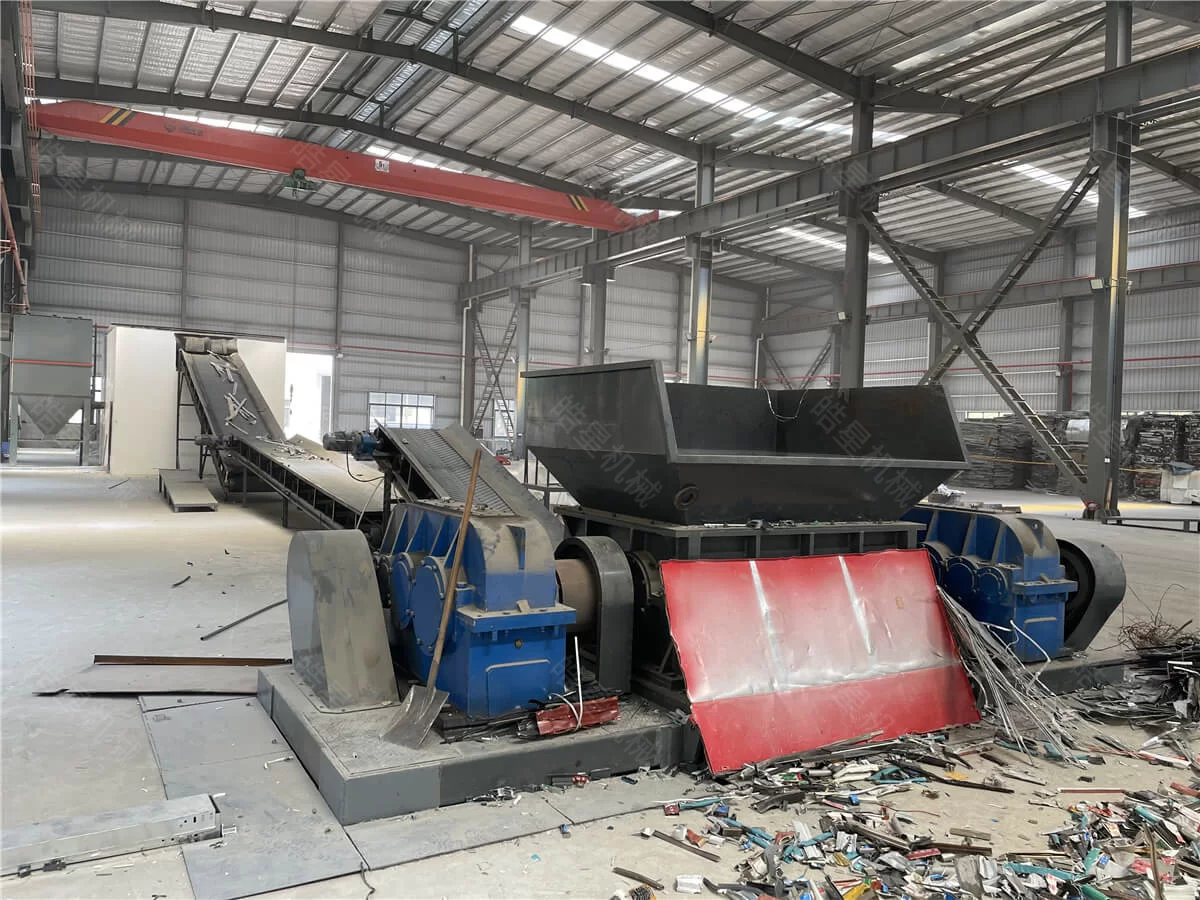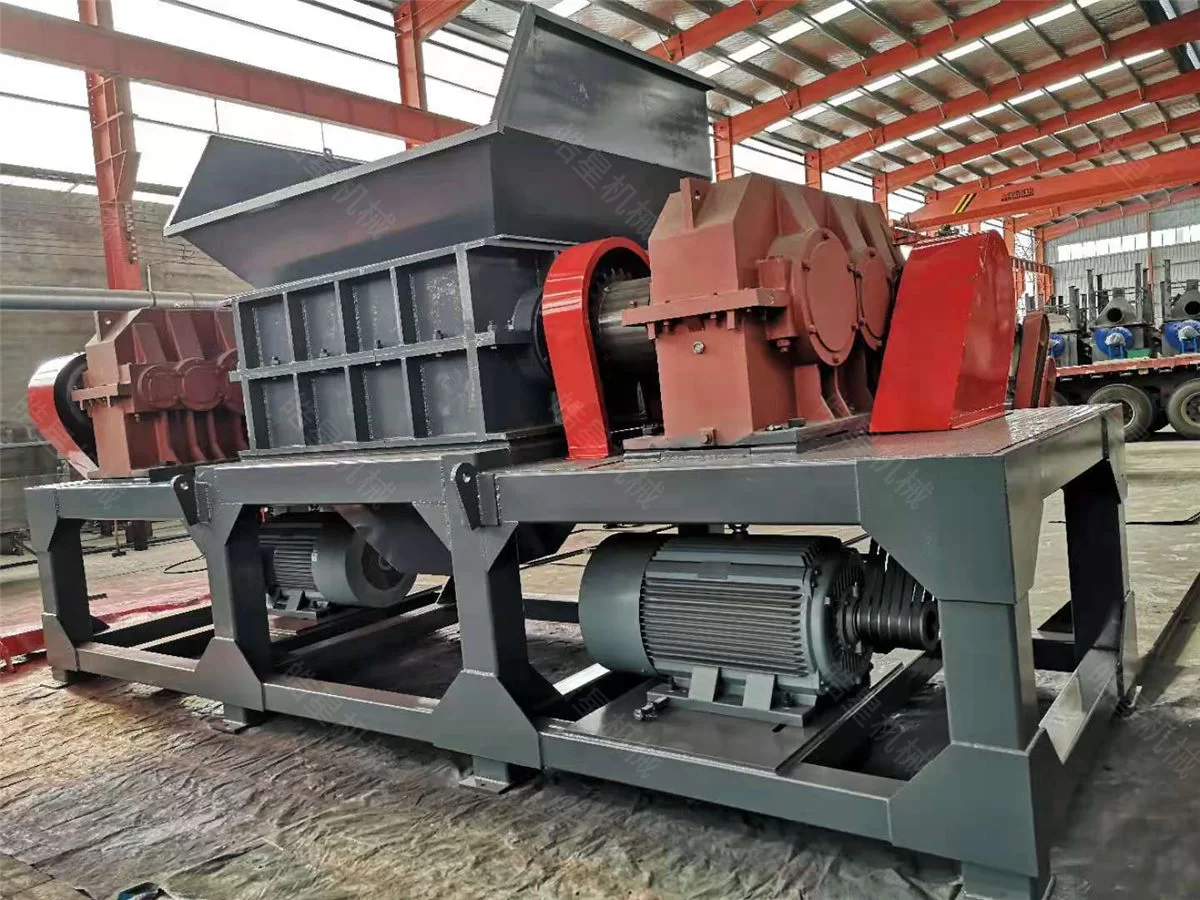
Automatic reversing is a normal protection function in a twin shaft shredder.
When the working load becomes too high, the control system briefly stops forward rotation, reverses the shafts to release or reposition the material, and then returns to forward shredding.
An occasional reverse cycle does not necessarily indicate a fault. Frequent reversing, however, can reduce output and may indicate unsuitable material, excessive feeding, cutter wear or an incorrect control setting.
Operators should identify the cause before increasing the motor-current limit or changing the control program.
Understand the Purpose of Automatic Reversing
A twin shaft shredder works by gripping and tearing material between two low-speed cutter shafts.
During normal operation, the load changes as different pieces enter the cutting chamber. A thick or irregular object may temporarily require more torque than the surrounding material.
The control system monitors working conditions such as motor current. When the preset overload point is reached, the machine may:
Stop forward rotation
Reverse the cutter shafts
Release or reposition the material
Stop again
Resume forward shredding
This protects the motors, reducers, shafts and cutters from prolonged overload.
Removing the reversing function is not a proper solution to repeated overload.
Check Whether Too Much Material Is Being Fed
Overfeeding is one of the most common causes of frequent reversing.
This can happen when:
Several bales are placed into the hopper together
The feeding conveyor runs too fast
A grab crane drops a large load directly into the cutting chamber
Material accumulates above the cutters
The next bale is loaded before the previous bale has opened
The shredder needs space for the material to rotate, settle and enter between the shafts.
If excessive weight presses down on the working material, the cutters may not be able to release or reposition difficult pieces during a reverse cycle.
What to Check
Reduce the feeding-conveyor speed
Feed one dense bale at a time
Observe the hopper material level
Wait until the previous load has entered the chamber
Link conveyor operation to shredder motor current
Avoid dropping heavy material from excessive height
If reversing becomes less frequent after the feed rate is reduced, overfeeding was likely a major factor.
Dense Bales Take Longer to Open
High-density bales contain more material in the same volume and provide fewer gaps for the cutter hooks to enter.
The bale may remain compact while the cutters repeatedly attempt to grip the outer layers. Motor current rises, the shafts reverse, and the bale moves to a new position before forward shredding resumes.
Dense bales may require:
A longer interval between loads
Lower conveyor speed
A more suitable cutter-hook arrangement
Greater available shaft torque
Improved bale positioning
Pre-sorting of heavy material
Bale weight, dimensions and composition should be checked together.
A dense bale of thin aluminum may behave differently from a bale containing folded steel plate and solid metal parts.
Look for Oversized or Heavy Solid Objects
A shredder selected for light sheet-metal bales may reverse repeatedly when it encounters:
Solid steel shafts
Large gears
Thick structural sections
Heavy castings
Oversized plate
Large bearing housings
Thick reinforcing bar
Unidentified machine parts
These objects can be hidden inside compressed bales.
If the machine repeatedly reverses at the same point, stop the system safely and inspect the cutting chamber according to the manufacturer’s procedure.
Do not use hands, feet or loose tools to move material while the machine is energized.
Large solid objects should be removed during pre-sorting unless the shredder is specifically configured for them.
Long Wire and Strip Can Wrap Around the Shafts
Long flexible material can create a different type of overload.
Steel wire, cable, strip and sheet-metal ribbons may wrap around the cutter shafts instead of passing through the chamber. As more material gathers, the available cutting space decreases and motor current rises.
Possible signs include:
Gradually increasing reverse frequency
Reduced discharge volume
String-like material visible around the shafts
Material rotating without falling
Uneven load between the two shafts
Longer processing cycles
The machine should be isolated from power before the cutting chamber is inspected.
If long material is common in the feed, consider:
Pre-cutting
Pre-sorting
Adjusting the cutter configuration
Limiting maximum material length
Changing the feeding orientation
Cleaning the shafts more frequently
Check Whether Discharge Is Blocked
The problem may be below the cutting chamber rather than inside it.
Opened scrap occupies more volume than the original compressed bale. If the discharge conveyor cannot remove material quickly enough, loose scrap accumulates below the shafts.
This can restrict falling material and increase resistance in the cutting chamber.
Check:
Whether the discharge conveyor is running
Conveyor speed
Material accumulation at transfer points
Sidewall clearance
Oversized pieces in the chute
Conveyor-belt or chain movement
Downstream machine status
Interlock signals
Do not increase the shredder feeding rate until the discharge route is clear.
Inspect the Cutter Condition
Worn cutters do not grip and tear material as effectively as cutters in serviceable condition.
Rounded or damaged hooks may slide across the bale surface. The material remains in the chamber longer, causing repeated current increases and reverse cycles.
Cutter inspection should look for:
Rounded hook edges
Cracks
Chipped areas
Uneven wear
Loose cutter components
Excessive spacing
Material packed between cutters
Abnormal contact between rotating and fixed parts
Wear should be assessed according to the manufacturer’s limits. Not every rounded edge requires immediate replacement, but severely reduced gripping ability can noticeably affect production.
Examine Fixed Knives and Counter Components
The rotating cutters do not work alone. Fixed knives, cleaning fingers, spacers and chamber components help control material movement.
If these parts are worn, loose, bent or obstructed, scrap may not release properly from the rotating shafts.
Inspect for:
Loose fasteners
Bent cleaning components
Excessive clearance
Material trapped between fixed and rotating parts
Uneven contact
Visible cracking
Abnormal wear marks
Any inspection inside the shredder must follow lockout and isolation procedures.
Verify the Motor-Current Settings
If the overload threshold is set too low, the shredder may reverse during normal load changes.
If it is set too high, motors, reducers and shafts may remain overloaded for too long.
Control values should be set according to:
Motor rating
Drive system
Reducer configuration
Cutter arrangement
Processed material
Factory commissioning data
Manufacturer recommendations
Operators should not raise the current limit simply to prevent reversing.
First confirm that:
The feed is suitable
The chamber is clear
The cutters are in acceptable condition
The discharge system is running
The power supply is stable
The motor and reducer are operating normally
Control changes should be recorded so they can be reviewed later.
Check the Power Supply
Low or unstable voltage can affect motor performance.
The control panel should be checked for:
Incoming voltage
Phase balance
Loose electrical connections
Overheated terminals
Contactor condition
Overload-relay settings
Frequency-converter alarms, if used
Motor-current balance
A qualified electrician should perform electrical measurements.
Repeated alarms should not be reset without identifying the cause.
Compare the Load on Both Shafts
A twin shaft shredder normally uses two driven shafts. An abnormal difference between the two drive loads may indicate:
Material concentrated on one side
One shaft obstructed by wrapped material
Uneven cutter wear
Bearing resistance
Reducer problems
Motor problems
Incorrect assembly
Misalignment
Compare motor current under similar operating conditions.
A short difference during irregular feeding may be normal. A persistent difference requires inspection.
Listen for Abnormal Mechanical Conditions
Changes in operating sound can help identify mechanical problems, but they should be treated as inspection clues rather than a complete diagnosis.
Investigate:
Repeated knocking
Grinding
Sudden metallic impacts
Unusual reducer noise
Bearing noise
Excessive frame vibration
Stop the machine if abnormal noise is accompanied by:
Rising bearing temperature
Oil leakage
Visible movement of components
Smoke or burning smell
Damaged cutters
Electrical alarms
Severe or continuous vibration
Continuing to operate under these conditions can increase damage.
Check Reducer and Bearing Conditions
The reducer transfers motor power to the cutter shafts. Bearings support the rotating components under changing load.
Inspect:
Lubricant level
Oil condition
Oil leakage
Bearing temperature
Reducer temperature
Fastener tightness
Coupling condition
Foundation bolts
Abnormal vibration
A mechanical drive with excessive resistance can raise motor current even when the feed material has not changed.
Maintenance intervals should follow the equipment manual and actual working conditions.
Review Whether the Material Has Changed
Operators often assume the machine has developed a fault when the real change is in the incoming scrap.
Compare the current material with the material previously processed:
Are the bales heavier?
Is compression density higher?
Is the steel thicker?
Are there more solid parts?
Has wire content increased?
Is the material wet or muddy?
Are bale dimensions larger?
Has the binding method changed?
Purchasing scrap under the same general name does not guarantee that the material condition remains the same.
Production records should note major changes in bale weight, density and composition.
Use a Simple Troubleshooting Sequence
When reverse frequency increases, check the system in the following order.
Step 1: Reduce the Feed
Slow or stop the feeding conveyor and observe whether the shredder returns to normal operation.
Step 2: Clear the Discharge Route
Confirm that conveyors, chutes and downstream machines are operating without blockage.
Step 3: Inspect the Material
Look for oversized steel, solid parts, long wire or an unusually dense bale.
Step 4: Check the Cutting Chamber
After safe power isolation, inspect for wrapped material, compacted scrap and damaged cutters.
Step 5: Inspect Mechanical Components
Check cutters, fixed knives, reducers, bearings, couplings and fasteners.
Step 6: Check Electrical Data
Review motor current, alarm history, voltage and phase balance.
Step 7: Review Control Settings
Compare the overload threshold, reverse duration and restart logic with the commissioning settings.
This sequence begins with the most common process causes before moving to mechanical and electrical problems.
When the Machine Should Be Stopped Immediately
Stop the shredder and isolate power if any of the following occurs:
Continuous reversing without material release
Smoke
Burning smell
Severe vibration
Repeated electrical trip
Sudden oil leakage
Broken cutter components
Loud metal impact
Rapidly rising bearing temperature
Material jammed around an exposed moving component
A sealed or hazardous object enters the hopper
Operators should not enter the hopper or cutting chamber until all energy sources have been isolated and secured.
Keep Operating Records
Maintenance becomes easier when the plant records:
Material type
Bale dimensions and weight
Hourly input
Reverse cycles
Motor current
Cutter operating hours
Bearing temperature
Reducer-oil changes
Blockage events
Parts replaced
These records help distinguish gradual wear from a sudden material change.
If reversing increases over several weeks under the same feed conditions, cutter wear or mechanical resistance may be developing. If reversing increases immediately after a new scrap batch arrives, the material is more likely to be the cause.
Frequent Reversing Is a Symptom, Not a Diagnosis
Automatic reversing protects a twin shaft shredder from overload. Occasional reversing is normal when processing irregular scrap.
Frequent reversing usually indicates one or more of the following:
Excessive feed
Dense bales
Oversized solid metal
Long material wrapped around the shafts
Blocked discharge
Worn cutters
Mechanical resistance
Incorrect control settings
Unstable power supply
The correct response is to identify the cause systematically, not to disable the protection or raise the current limit without inspection.
Gongyi Haoxing Machinery Factory manufactures twin shaft shredders and complete scrap metal processing systems in China. We also provide feeding conveyors, discharge conveyors, metal crushers, magnetic separators, dust collection and electrical control systems.
When requesting technical support, send a video of the machine operation, photos of the material, motor-current readings and the alarm information. These details help identify whether the issue comes from feeding, material, mechanical components or control settings.
WhatsApp: +86 186 2491 0209
Website: www.hxjx08.com